
It changes the code in your repo.
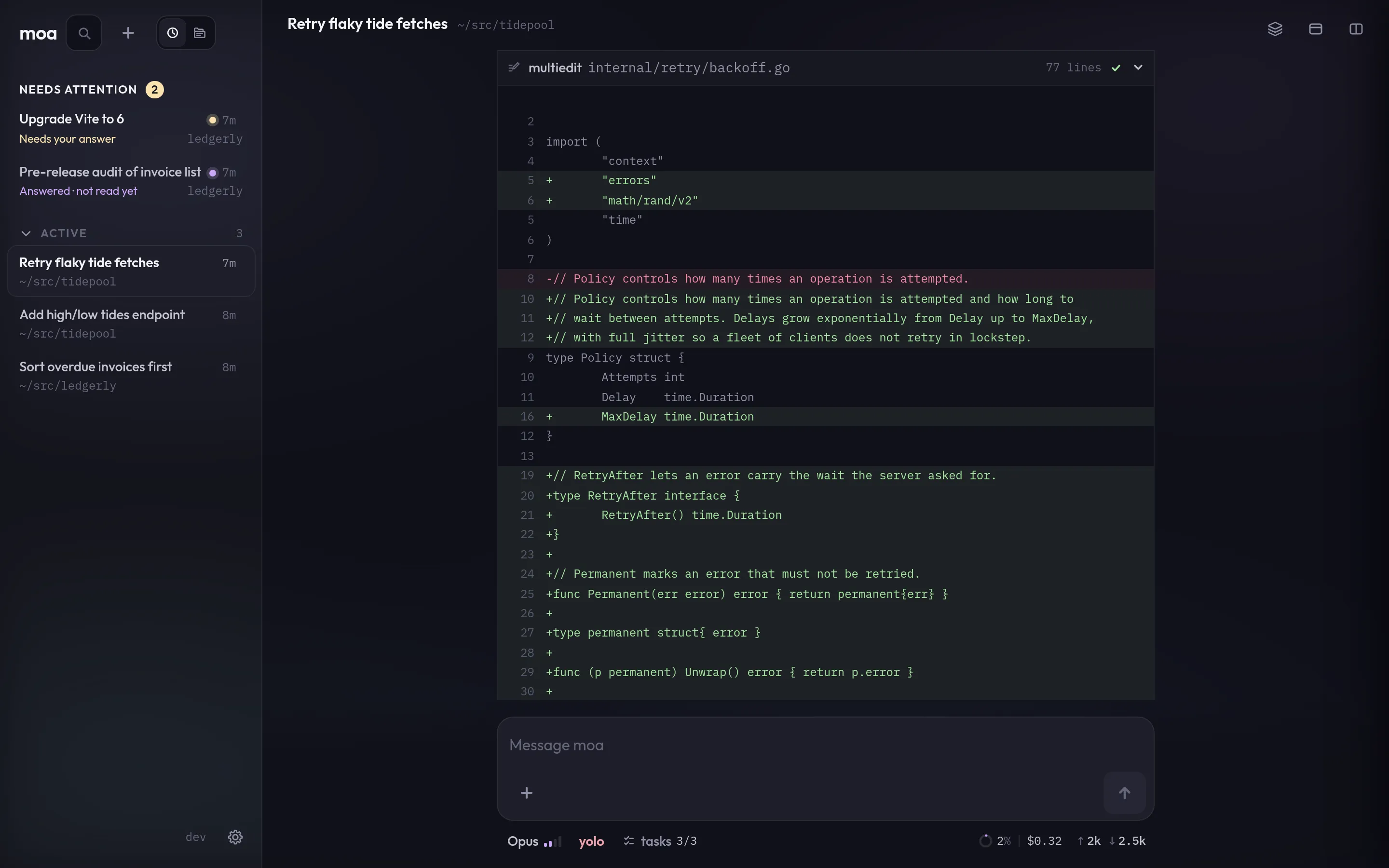
moa reads, plans, edits and runs your tests until they pass. Every change is a diff you can open.
Open-source coding agent · self-hosted
It runs next to your repos, your toolchain and your dev servers, and its sessions live there too, not in a browser tab. Start one at your desk, then follow it, answer it or change its course from your phone.
MIT · one Go binary · Linux and macOS


Why moa exists
“I did not build moa to replace my computer. I built it because I could not always be at one.”
At some point my life stopped giving me long stretches at a desk. Some days I had two hours at the computer; some days, one. I tried the existing answers — remote-control apps for coding agents got me halfway, but sooner or later something always forced me back to the physical machine: a stuck process, an environment to bring up, a result I could not see from my phone.
So I built moa. The agent lives on the machine where my code, repositories, and tools already are, and I steer it from wherever I am.
As I write this, I have not opened my laptop in three weeks, and I am putting in full days of real development work.
— from moa’s README, written on a phone
What it does
moa reads, plans, edits and runs your tests until they pass. Every change is a diff you can open.
In ask mode it stops before a command and shows what it wants to run. Allow
it once, always, or not at all.

Open your running app inside the session, tap the wrong element and say what is off.

Subagents take parts of the work in parallel, each on the model you pick. Open any of them to watch it.
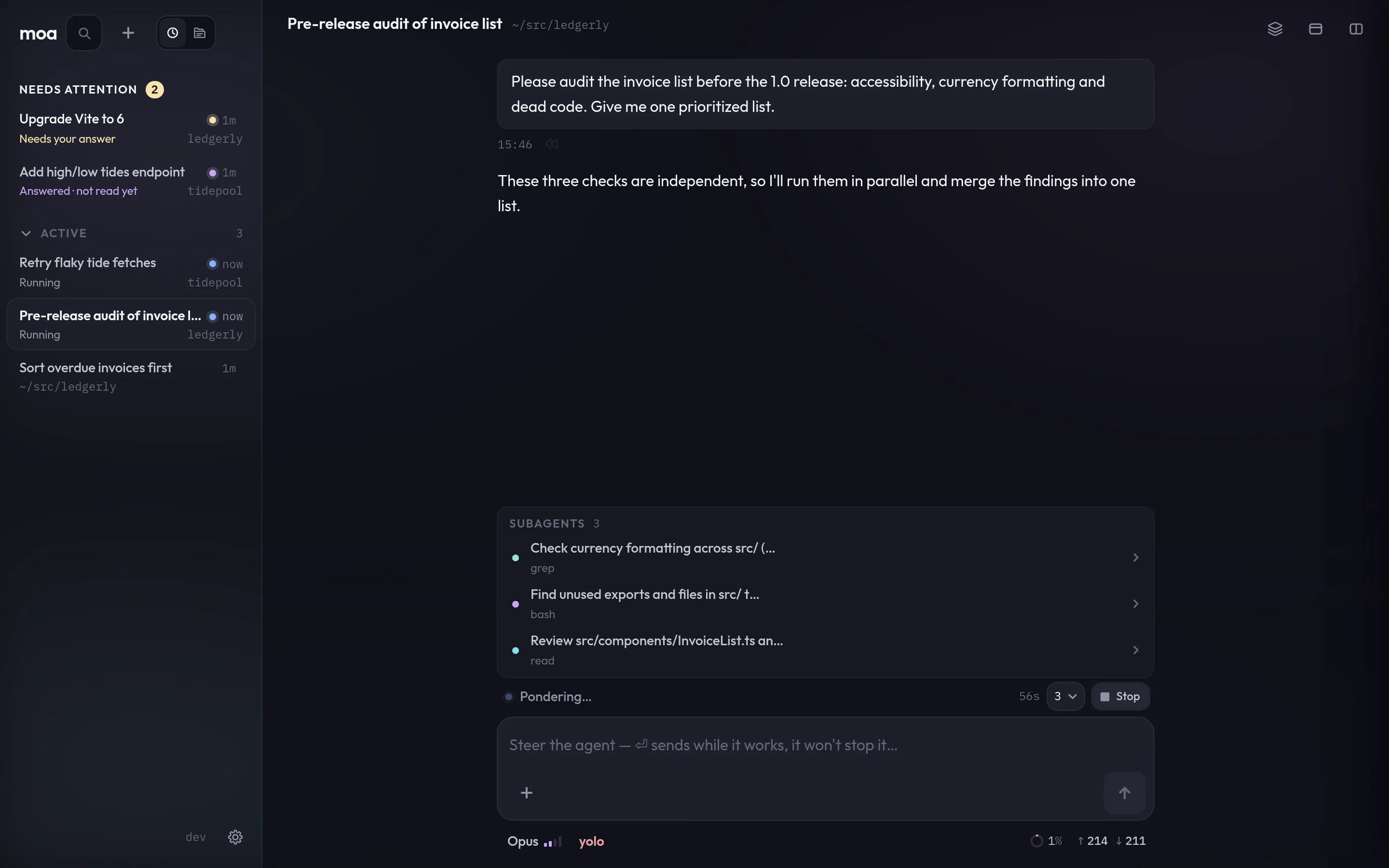
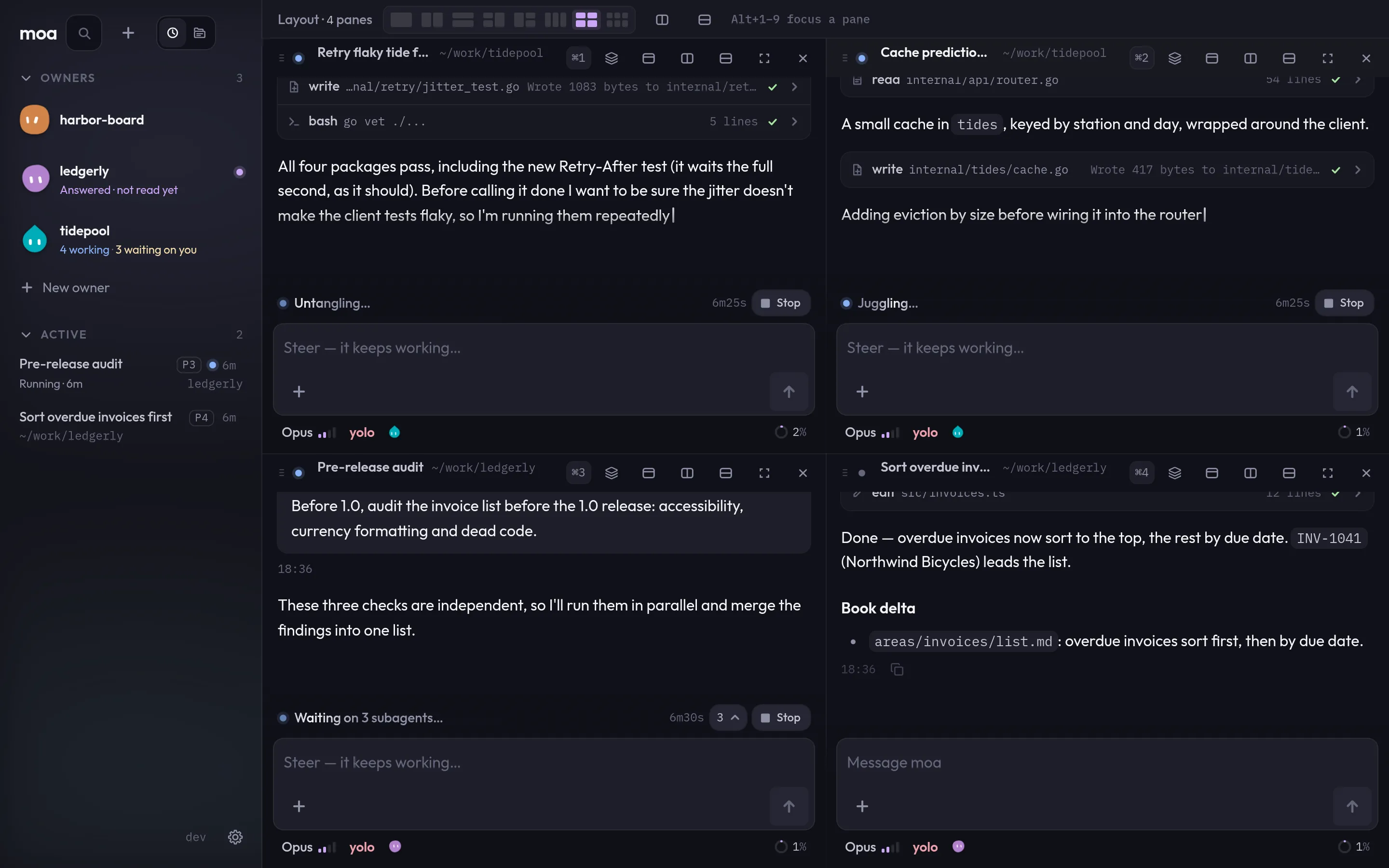
Keep sessions side by side at your desk, each in its own pane, working until it is done or needs you.
Project owners
The owner runs each feature in its own session, knows the project the way you do, and comes to you only with what it cannot decide alone.
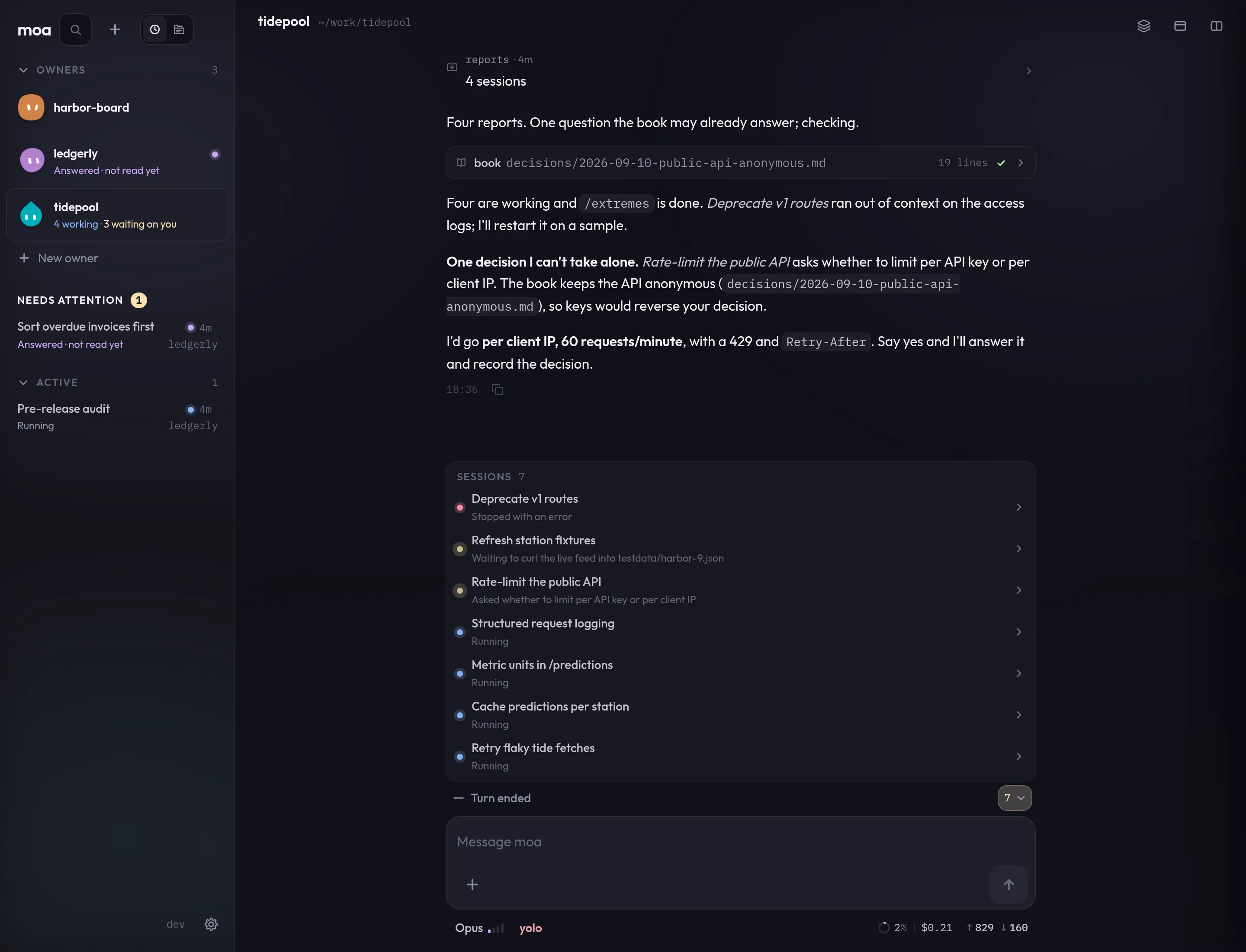
Each feature gets its own session, working on its part. The owner's row tells you how many are working and which ones are waiting on you.

Decisions, features and the people who ask for them live in the project's book. The owner checks it before it asks you, and writes down what you answer.
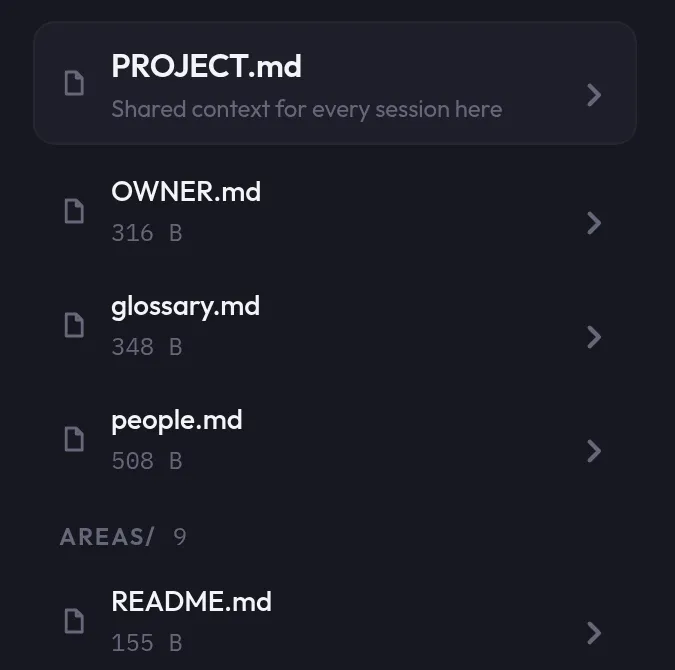
Once it knows the project, or the feature, it goes ahead on its own and tells you what it did.
Models
moa talks to each provider straight from your machine. Sign in with your subscription or use an API key. Pick the model per session, and give a subagent a different one when the job calls for it.
| Provider | Sign in with | Command |
|---|---|---|
| Anthropic Claude | Claude Pro or Max, or an API key | moa --login anthropic |
| OpenAI GPT | ChatGPT Plus or Pro, or an API key | moa --login openai |
| xAI Grok | SuperGrok, or an API key | moa --login xai |
| Meta Muse | Muse, or an API key | moa --login meta |
There is no moa account and no moa server in between. You pay your provider, and nobody else.
Also in the binary
Where it runs
Before you open a port
moa serve listens on localhost and has no authentication by default.
Anyone who reaches an open port can drive its agents. Keep it on localhost or a private network,
set a token, and read the security notes first.
One binary for Linux and macOS. Install it on the machine where your code lives, sign in to a provider, and open the web UI.
# install
$ curl -fsSL https://letmoa.run/install.sh | sh
# sign in: anthropic, openai, xai or meta
$ moa --login anthropic
# start it where your repo is, then open http://127.0.0.1:8080
$ moa serve
Or brew install e-aleixandre/tap/moa, or grab an archive from
Releases.
Open source, MIT, v0.46.
